Flow Music AI Generator
Create songs, vocals, instrumentals, covers, stems, and extended music ideas with Flow Music AI.
Free AI Music Generator Online
Explore song examples generated by Riffusion AI Music Generator
 04:00
04:00Late Night Love Talk
rap, warm boom-bap, male vocals
 03:10
03:10Satellite Heartbreak
synthwave, 80s drums, pulsating bass
 02:55
02:55Pocket of Sun
indie folk, acoustic guitar, light percussion
 04:53
04:53Mountains Don’t Text Back
post-rock, delay + reverb, slow build
 02:49
02:49We Loved in Good Faith
Latin pop ballad, nylon guitar + piano, soft percussion
 03:42
03:42Blurry Halo
dream pop, washed guitars, hazy vocal layers
Flow Music AI for Complete Song Creation
Flow Music AI helps creators move from a rough idea to structured songs, instrumentals, vocals, covers, and production-ready drafts.
Built-In Music History
Every completed Flow Music AI generation can be saved in My Music for replay, download, reference selection, and later iteration.
Prompt-Led Music Flow
Flow Music AI turns plain-language music prompts into complete song directions with mood, genre, lyrics, vocals, and arrangement context.
Lyrics and Style Control
Use Flow Music AI custom mode when you need tighter control over title, lyrics, style tags, instrumental settings, and vocal direction.
Build a Song with Flow Music AI
Flow Music AI keeps the creation process direct: describe the sound, choose a workflow, and save the generated result for future edits.
Write the Music Idea
Start Flow Music AI with a prompt for mood, genre, story, scene, vocal style, or instrumentation, or switch to custom lyrics mode.
Pick the Creative Workflow
Generate a new song, add vocals, add instrumental layers, create covers, extend music, remove vocals, or split stems from one page.
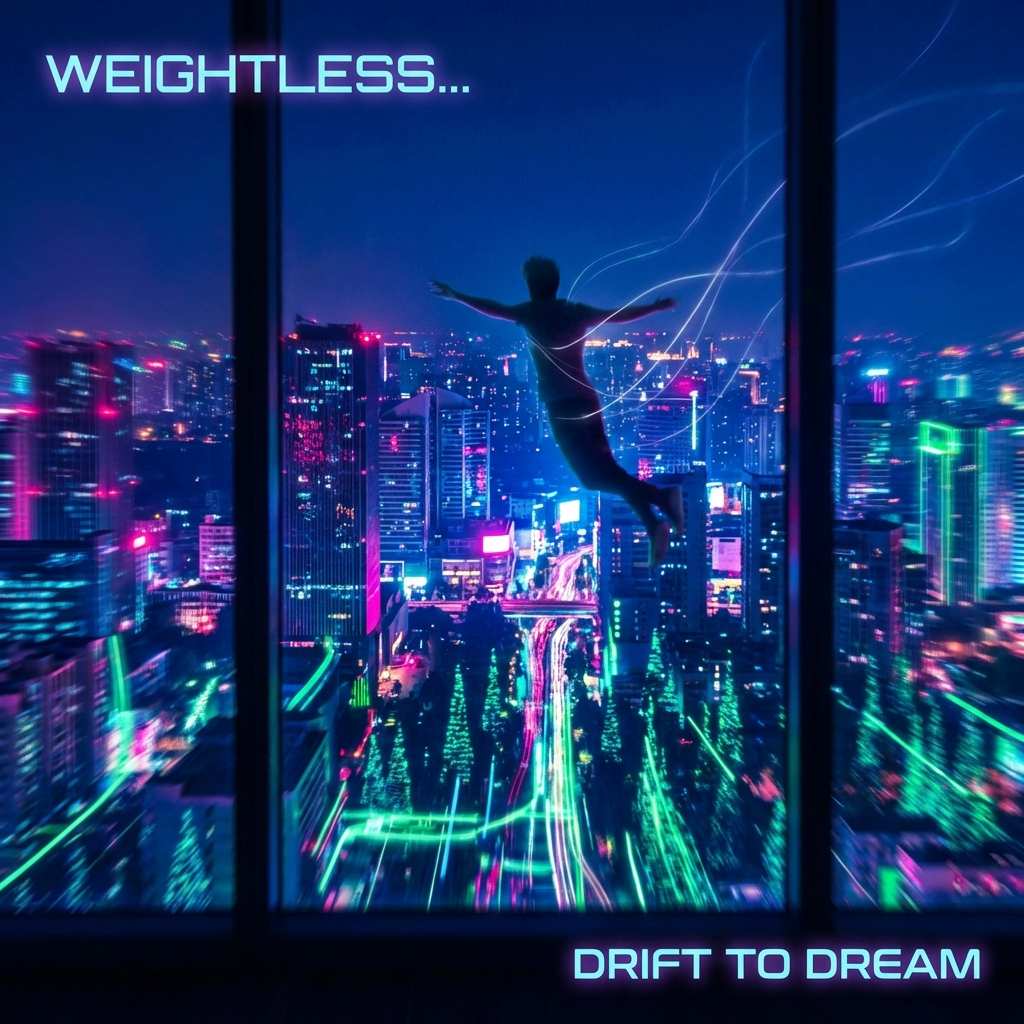
Review and Reuse Tracks
Listen to the result, download audio, and keep Flow Music AI tracks organized in My Music for references, covers, and extensions.

Flow Music AI Use Cases
Flow Music AI gives creators, writers, and producers a practical workspace for turning ideas into listenable AI music drafts.
Create Background Music for Visual Stories
Use Flow Music AI to generate mood-matched soundtracks for intros, reels, ads, podcasts, explainers, and short-form video projects.
- Match music to a scene, brand, or campaign prompt
- Create vocal or instrumental directions quickly
- Download finished audio for editing tools

Turn Lyrics into Fast Song Drafts
Flow Music AI helps songwriters test hooks, verses, titles, vocal direction, and genre combinations before moving into deeper production.
- Convert lyric ideas into complete song sketches
- Compare genres, moods, voices, and tempos
- Keep promising drafts saved in My Music

Explore Covers, Stems, and Arrangement Ideas
Use Flow Music AI to experiment with source audio, track extensions, add-track ideas, vocal separation, and split-stem workflows.
- Extend hooks, outros, and arrangement sections
- Add vocal or instrumental layers to a source
- Separate vocals or split stems for production use
Flow Music AI FAQ
Answers about using Flow Music AI for prompts, lyrics, instrumentals, covers, stems, saved tracks, and credit-based generation.